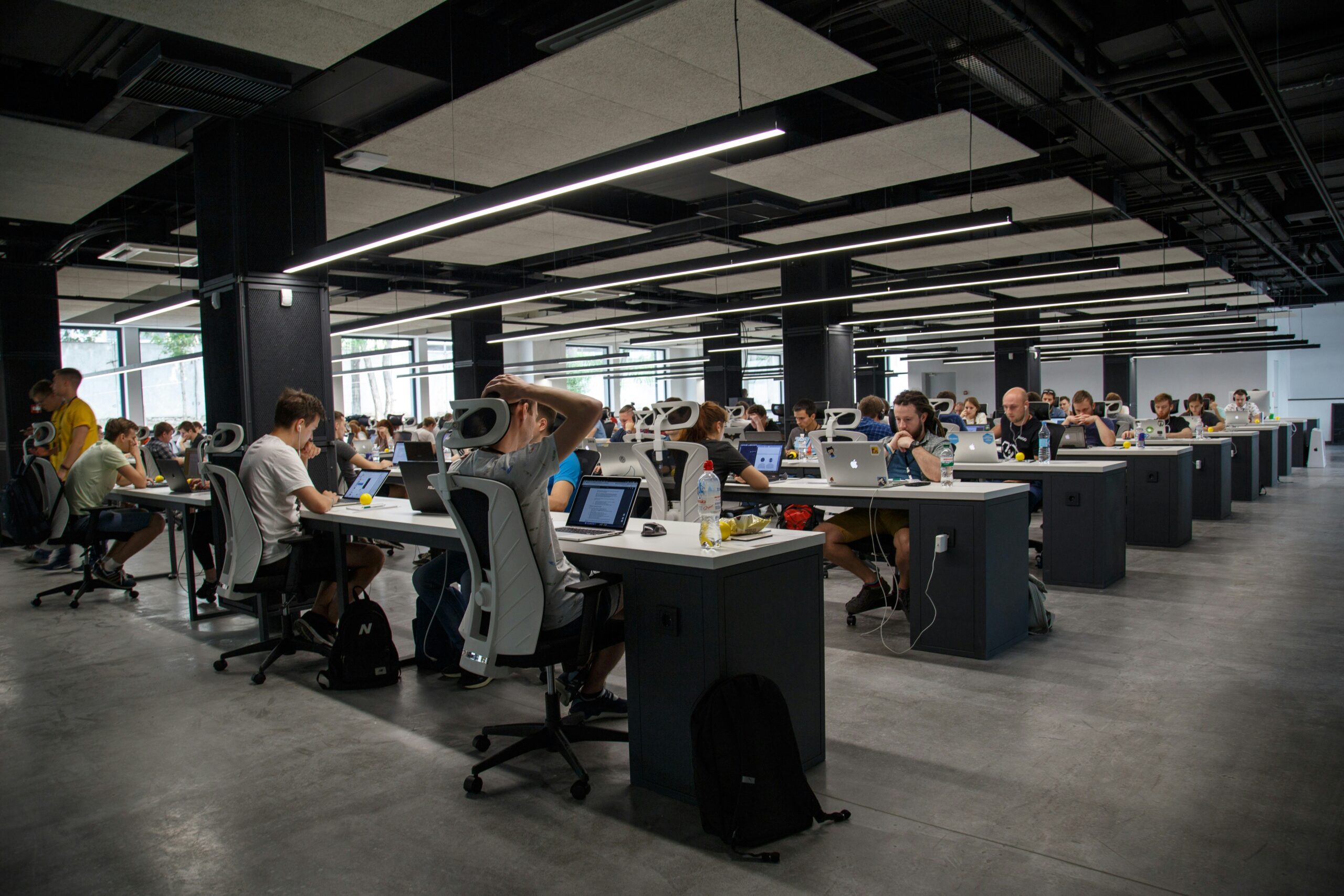
With the digitization of companies, the use of display screens has become essential. The digital age has thus profoundly transformed our workplaces. Here is a brief overview of the impact of these technologies on productivity, work-life balance. This article also proposes strategies to optimize their use. The key lies in the ability to integrate these tools in a way that enriches our work environment without suffering their drawbacks.
What is the impact of screens on productivity at work?
Screens, by facilitating coordination and the sharing of knowledge, increase profitability and well-being at work. However, their use must be judicious to avoid negative effects on concentration as well as mental and physical health. A strategic use of screens is therefore indispensable to maximize their positive potential on productivity Duan, Deng, & Wibowo, 2023 REF [^1^].
Screens and their influence on employee activity
The digitization of business processes improves employees' efficiency and performance, but requires a balance to maintain job satisfaction. It is essential to find the right balance between beneficial and excessive use of digital technologies Dewi & Krisnadi, 2023 REF [^1^].
How to choose the right IT tool to increase productivity?
Selecting tools that match the specific needs of tasks and that promote effective communication and decision-making is necessary so as not to compromise work-life balance. Choosing appropriate media also helps reduce wasted time and impacts overall efficiency.
Limiting screen-related distractions
Clear rules should be established, such as time slots dedicated to emails and social networks, which help reduce distractions and encourage more focused work. Implementing these regulations contributes to improved concentration and reduced stress.
How to maintain a good relationship between professional life and time management?
The use of digital media must be harmonious to preserve mental and physical health. Regular breaks and the delimitation of a dedicated professional space are beneficial practices. This helps clearly separate work time from personal time, which is essential for a healthy balance. On average, a French person spends 20 hours per week in front of a connected device as part of their professional activity, compared to 36 hours during their free time.
Effective use of IT tools
Scheduling and planning tools, effectively integrated into the daily consumption of digital devices, ensure good performance, harmony and well-being. The adoption of these technologies allows for better task organization and a reduction of anxiety in the workplace.
Risks related to excessive screen use at work
Excessive use of digital devices can lead to health problems such as visual fatigue, musculoskeletal issues, disorders caused by sedentary behavior and stress. It is important to take measures to limit these risks, notably through regular breaks and appropriate ergonomics. Awareness is the first step toward healthier technology consumption.
What are the tips to be more productive and flexible at work?
Adapt your workstation with two computer screens for better productivity
Adapting the workspace with digital devices improves productivity. Using two screens, for example, allows better organization of information and increases efficiency. This configuration facilitates multitasking, which consists of working on several tasks simultaneously without having to switch between different windows. The quality of the work produced is also better. This setup optimizes the digital workspace and makes it easier to access the necessary information.
Integrate screen flexibility into remote work
Technologies play a key role in remote work. They offer the flexibility needed to maintain effective communication and collaboration at a distance. A virtual office environment is recreated, which is essential for maintaining activities outside traditional premises.
Effectively manage emails and communication in the workplace
Effective management of emails and communication tools is fundamental to avoid information overload and maintain clear and efficient exchanges. Good email organization and prioritization of communication tasks are necessary for an effective schedule.
How to avoid procrastination and improve your professional balance?
Optimally reconcile professional and personal life
Establishing clear boundaries between work and personal life is crucial, especially in a digitized professional environment. Delimiting these spaces contributes to better mental health and greater satisfaction in both spheres.
Strategies to avoid procrastination related to excessive screen use
Defining clear goals, planning breaks and using time management techniques help reduce procrastination and optimize the use of technologies. These strategies promote a more disciplined and targeted approach to the use of digital technologies.
Improve your schedule through wiser use of screens
Adopting mindful work practices and limiting digital distractions are effective ways to optimize time and increase output. Thoughtful use of connected devices allows you to maximize their potential.
In conclusion
Screens have a profound impact on our professional lives. They represent opportunities to increase productivity and work-life balance. However, judicious and balanced use is essential to enjoy their benefits, such as improved professional efficiency. Implementing these different strategies protects us from the various drifts related to overexposure to these technologies.
Disclaimer
This article is based on studies and research to provide an overview of the impact of screens on professional life. The cited references come from verified sources and contribute to the presented argumentation.
References
REF [^1^]. Duan, S., Deng, H., & Wibowo, S. (2023). Exploring the impact of digital work on work-life balance and job performance: a technology affordance perspective. Link
REF [^2^]. Dewi, C.T.T., & Krisnadi, H. (2023). The Effects of Using Digitalization, Work Life Balance and Work Engagement on Employee Performance Through Job Satisfaction at PT Waskita Karya Infrastruktur. Link